.png?width=300&height=300&name=Untitled%20design%20(6).png)
Use this process to locate a specific terminal within Valor and edit its device parameters when updates or configuration changes are needed.
- Open Valor and navigate to Device Management.
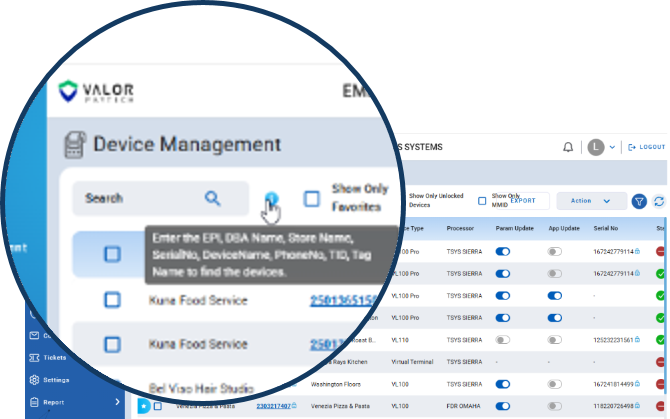
- Use the search bar to locate the device by DBA, EPI ID, or Serial Number. You can also search by Phone Number or Tag Name (HubSpot Record ID).
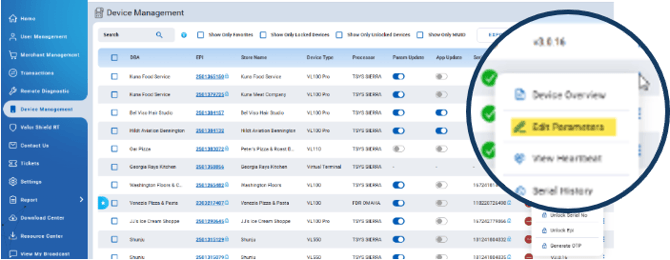
- Once you locate the terminal, click the ellipsis (⋮) on the far right and select Edit Parameters if you need to make changes to the device file.