.png?width=300&height=300&name=Untitled%20design%20(6).png)
-
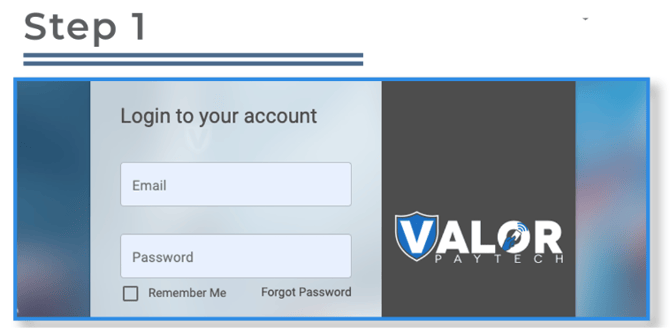
Log in at https://online.valorpaytech.com/signin.
-
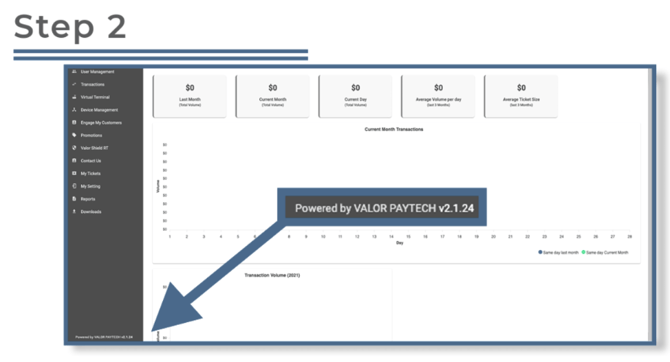
In the bottom-left corner, locate the text:
Powered by Valor Paytech-
To the right, you’ll see the version number (e.g.,
v2.1.24).
This version number is a clickable link. -
Click the version number. A new tab will open.
-
-
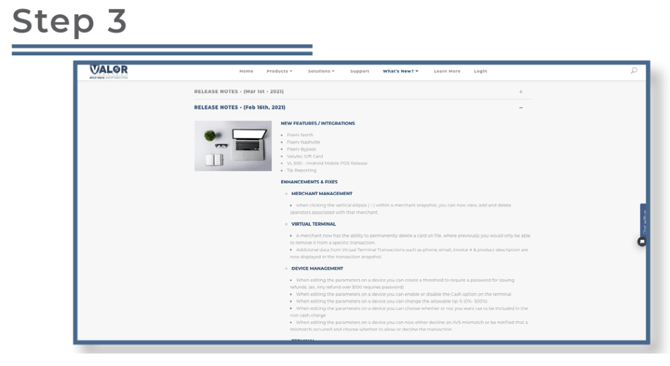
The new tab will display the Valor Latest Updates page, which includes:
-
Recent portal and terminal updates
-
Enhancements to the processing switch
-
Bug fixes
-
✅ Tip: Bookmark the Updates page for quick access to release history.