.png?width=300&height=300&name=Untitled%20design%20(6).png)
To ensure proper functionality, the Power Supply Work Mode must be set to Mobile Mode. Adjusting this setting helps the terminal optimize its power usage and resolve charging-related errors.
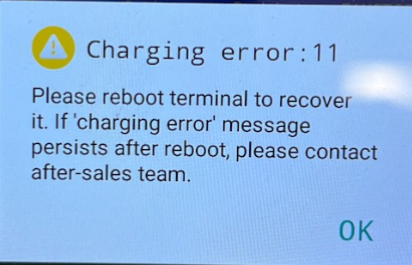
To ensure proper functionality, the Power Supply Work Mode must be set to "Mobile Mode" under Terminal Settings. Follow these steps:
- Go to Android Settings.
- Select Battery.
- Tap More Settings.
- Navigate to Power Supply Work Mode.
- Select Mobile Mode.
Once set, the terminal will optimize power usage for mobile operation.